axgate VPN(2026)
Learn what AXGATE VPN does, where to find its client, and what to check before connecting.
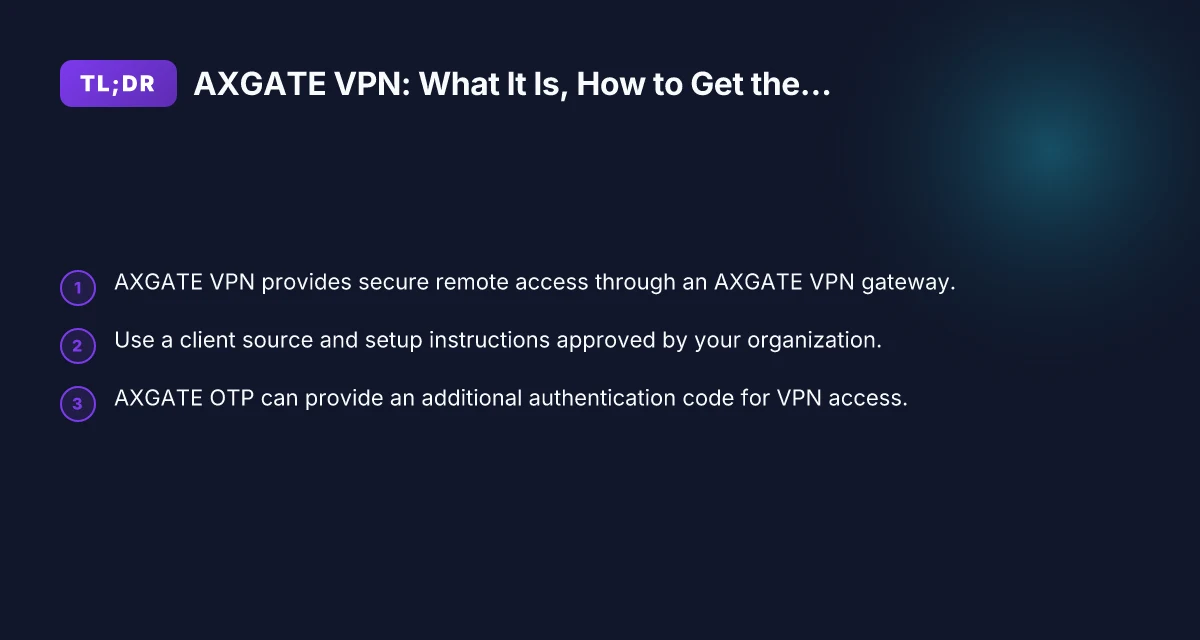
AXGATE VPN is a remote-access solution that creates an encrypted connection between a user’s device and an AXGATE VPN gateway. It is intended to let authorized users access organizational resources while away from the office. To connect, you generally need the appropriate AXGATE VPN client, the connection details supplied by your organization, and any required authentication credentials.
Compare access methods before getting an AXGATE VPN client
| Option | Who provides it | Setup required | Best suited for |
|---|---|---|---|
| Official AXGATE client | Organization or authorized source | Install the supplied client | Standard AXGATE access |
| Organization’s setup guide | Employer or institution | Follow its instructions | Organization-specific configuration |
| IT support assistance | Organization’s IT team | Request setup help | Users unsure which client to use |
| Unverified download site | Unverified third party | Avoid installation | Not recommended |
| Personal VPN app | VPN provider | Configure separately | Not a substitute for AXGATE access |
| Existing client installation | Organization or authorized source | Confirm settings with IT | Users who already have the client |
Compiled November 2026; check the provider's site for current details.
| VPN | Obfuscation | From / month | Plan | Free plan | Refund | Alipay | UnionPay | Crypto | Website opens in China | Trustpilot | |
|---|---|---|---|---|---|---|---|---|---|---|---|
 ZoogVPN | Turn on manually Shadow | $2.49/mo | 27 months: $59.99 | Yes | 7 days | ✓ | ✓ | ✓ | ✓ | Official site blocked; our special link opens (4.4 s) | 4.2/5 (195 reviews) |
 NordVPN | Turn on manually Obfuscated Servers / NordWhisper | $3.49/mo | 27 months: $94.23 | No | 30 days | ? | ✗ | ✓ | ✓ | ✗ Blocked | 4.2/5 (51,628 reviews) |
 ExpressVPN | ✓ On by default all servers | $3.00/mo | 28 months: $84 | No | 30 days | ✗ | ✗ | ✓ | ✗ | ✗ Blocked | 4.4/5 (29,706 reviews) |
 Surfshark | ✓ On by default Camouflage, with OpenVPN | See site | See site | No | 30 days | ✗ | ✗ | ✗ | ✓ | ✗ Blocked | 4.3/5 (31,823 reviews) |
 Proton VPN | Turn on manually Stealth, free plan too | $2.99/mo | 12 months: $35.88 | Yes | 30 days | ✗ | ✗ | ✗ | ✓ | ✗ Blocked | 2.1/5 (1,040 reviews) |
 Astrill VPN | Turn on manually StealthVPN / OpenWeb | $12.50/mo | 24 months: $300 | No | See site | ✗ | ✗ | ✗ | ✓ | ✗ Blocked | 1.3/5 (110 reviews) |
 Private Internet Access | Turn on manually Shadowsocks, OpenVPN only | $2.03/mo | 40 months: $81.2 | No | 30 days | ✗ | ✗ | ✗ | ✗ | ✗ Blocked | 4.2/5 (11,033 reviews) |
 CyberGhost | Turn on manually selected servers | $2.19/mo | 28 months: $61.32 | No | 45 days | ✗ | ✗ | ✗ | ✓ | ✗ Blocked | 4.0/5 (24,178 reviews) |
 PureVPN | Turn on manually switch to OpenVPN | $1.69/mo | 60 months: $101.55 | No | 31 days | ? | ? | ✗ | ✓ | ✗ Blocked | 4.4/5 (17,994 reviews) |
 AdGuard VPN | ✓ On by default TrustTunnel | $2.99/mo | 24 months: $71.76 | Yes | 30 days | ✓ | ✗ | ✓ | ✓ | Official site blocked; our special link opens (3.7 s) | 4.3/5 (290 reviews) |
 Mullvad | Turn on manually QUIC / Shadowsocks / LWO | $5.61/mo | €5/mo | No | 14 days | ✗ | ✗ | ✗ | ✓ | ✗ Blocked | 3.2/5 (192 reviews) |
 Windscribe | Turn on manually Stealth / WStunnel | $5.75/mo | 12 months: $69 | Yes | See site | ✗ | ✗ | ✗ | ✓ | ✗ Blocked | 4.7/5 (13,355 reviews) |
 StrongVPN | Turn on manually Scramble, OpenVPN TCP | See site | See site | No | 30 days | ✓ | ✗ | ✗ | ✗ | ✗ Blocked | 4.4/5 (2,695 reviews) |
 LightXtreme 闪连 | Not listed | $7.08/mo | 12 months: $84.99 | Yes | 30 days | ✓ | ✓ | ✓ | ✓ | ✓ Yes (3.5 s) | No page |
Prices checked 2026-11-10 on each vendor's pricing page (cheapest long plan, USD). Check the vendor's checkout for the final price.
Obfuscation checked 2026-11-14 on each vendor's site and help center: "on by default" = nothing to set; "turn on manually" = switch protocol or mode in settings; "not listed" = the vendor describes no obfuscation.
Payment methods checked 2026-11-10 on each vendor's payment pages: all 14 take cards and PayPal; ✗ = not listed, ? = the vendor's own pages disagree.
China access: whether the official website opens from mainland China networks (tests the website only, not the VPN connection). Last checked 2026-11-18 01:02 Beijing time.
Trustpilot score and review count checked 2026-11-10.
What AXGATE VPN does
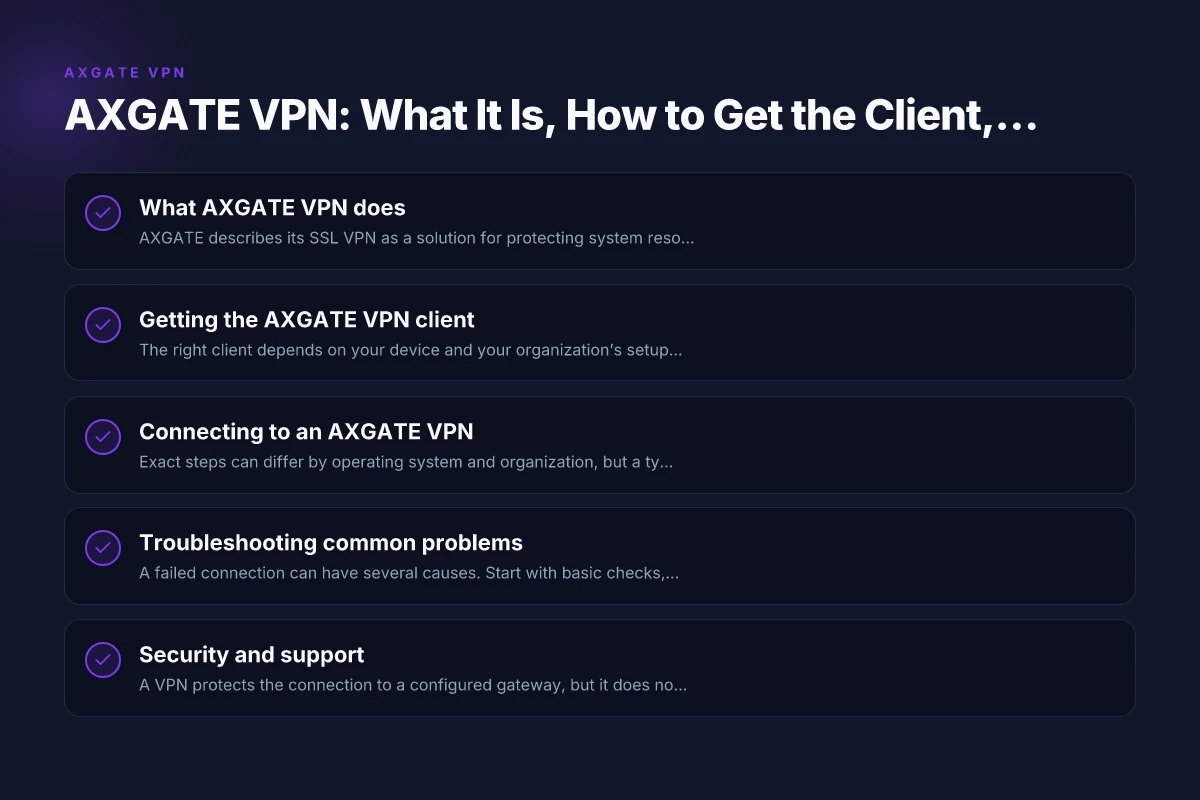
AXGATE describes its SSL VPN as a solution for protecting system resources and information assets through user authentication. In practice, a VPN connection provides a protected path between a user’s device and a company network or other configured resources. What you can access depends on the gateway’s settings and your account permissions.
AXGATE products also include broader network security capabilities. For example, AXGate’s next-generation firewall offering combines VPN with other security features. These product descriptions do not mean every AXGATE VPN deployment has identical capabilities: the available connection types, access rules, and authentication methods depend on the organization’s equipment and configuration.
Getting the AXGATE VPN client
The right client depends on your device and your organization’s setup. AXGATE VPN Client is described as a remote-access application for creating secure, encrypted connections to AXGATE VPN gateways. An AXGATE VPN Client app is listed in Apple’s App Store for Mac, and an AXGATE OTP app is listed on Google Play.
Before installing anything, ask your IT administrator which client and version to use. This is especially important if you find a download on a third-party software directory. A listing there is not a substitute for an official or organization-approved download source. fortin VPN(2026)
| Option | What it is | What to check |
|---|---|---|
| AXGATE VPN Client | Client software for connecting to an AXGATE VPN gateway | Confirm the correct download and setup instructions with your organization |
| AXGATE OTP | An app that generates an additional authentication code for VPN access | Ask whether your account requires OTP and how it should be enrolled |
| AXGATE SSL VPN | A gateway-side VPN solution for authenticated access | Your administrator must provide the gateway and account configuration |
Choose the next step when an AXGATE VPN connection fails
| Problem | First check | Helpful next step | When to contact IT |
|---|---|---|---|
| Client will not open | Client installation | Use the organization’s setup guidance | If reinstalling does not help |
| Cannot sign in | Account details | Confirm credentials with the organization | If credentials are rejected |
| Connection will not start | Server or profile settings | Check the supplied configuration | If settings are unclear |
| Connection drops | Network stability | Try again on a stable network | If disconnections continue |
| Access is denied | Account authorization | Confirm VPN access is enabled | If access may be missing |
| Setup instructions are unavailable | Organization’s guidance | Ask the organization for its instructions | When configuration help is needed |
Compiled November 2026; check the provider's site for current details.
Connecting to an AXGATE VPN
Exact steps can differ by operating system and organization, but a typical setup follows this sequence:
- Confirm access is enabled. Your organization must have an AXGATE VPN gateway configured, and your account must be authorized to use it.
- Get the approved client. Follow the installation link or instructions provided by your administrator.
- Enter the connection details. These may include a gateway address or a named connection profile. Use only details supplied by your organization.
- Authenticate. Sign in with your assigned credentials. If required, enter an additional code generated through AXGATE OTP or another approved authentication method.
- Check the connection. Once connected, open only the internal services you have permission to use. If access does not work, contact your IT team rather than changing security settings yourself.
Do not share your password, one-time code, or VPN configuration with other people. If a sign-in prompt or download looks unexpected, verify it with your organization before proceeding. equalVPN(2026)
Troubleshooting common problems
A failed connection can have several causes. Start with basic checks, then contact your administrator if the issue continues.
- The client cannot reach the gateway: Check your internet connection and confirm that the gateway address is entered correctly.
- Your login is rejected: Verify the account details and check whether your organization requires an OTP code or another authentication step.
- The client connects but internal resources are unavailable: The account may not have permission for those services, or the organization’s network settings may need attention.
- The client will not install or open: Confirm that you have the correct app for your device and that it came from an approved source.
- The connection stops unexpectedly: Disconnect and reconnect using your organization’s instructions. If the problem repeats, report the time and any error message to IT.
Avoid disabling device security controls or installing unfamiliar software as a workaround. An administrator can determine whether the issue is caused by your device, account, client, or VPN gateway.
Check security and support before connecting to AXGATE VPN
| Check | Preferred choice | Avoid | Why it matters |
|---|---|---|---|
| Client source | Organization or authorized source | Unverified download sites | Reduces installation risk |
| Setup instructions | Organization-provided guidance | Guessing at settings | Helps match the required configuration |
| Account access | Organization-authorized account | Sharing credentials | Protects account security |
| Connection problem | Organization’s IT support | Repeated unsupported changes | Enables appropriate troubleshooting |
| Client version | Version specified by the organization | Assuming any version will work | Supports compatibility |
| Unclear security guidance | Ask the organization | Relying on unverified advice | Keeps decisions aligned with policy |
Compiled November 2026; check the provider's site for current details. windows VPN(2026)
Security and support
A VPN protects the connection to a configured gateway, but it does not make every online activity automatically safe. Keep your device updated, use a strong account password, and follow your organization’s rules for handling sensitive information. Use AXGATE OTP if your organization requires it, and never approve or share an authentication code you did not request.
For product-specific setup guidance, AXGATE’s website includes an SSL VPN resources section. Your organization’s IT team remains the best source for gateway addresses, account enrollment, supported devices, and troubleshooting steps, because those details are specific to its deployment.
Recommendation
If you need AXGATE VPN for work or another organization, request the approved client link and connection instructions from its IT administrator first. Install only the recommended software, complete any required OTP setup, and ask IT to resolve connection or access errors.