Free VPN for Edge: What to Know Before You Install One
Find a free VPN for Edge, understand browser extensions versus device-wide VPNs, and choose an option with care.
A free VPN for Edge is usually a browser extension you can add through Microsoft Edge Add-ons. Options include VeePN’s free VPN extension, while Microsoft’s add-on store also lists other VPN extensions. Before choosing one, check what traffic it protects, what information it collects, and whether its free plan has restrictions. A browser extension may not provide the same protection as a VPN app installed on your device.
Compare what a free VPN for Edge can protect
| Option | Works in Edge | Covers other browsers | Covers apps on your device | Typical protection scope |
|---|---|---|---|---|
| Edge VPN extension | Yes | Usually no | No | Browser traffic |
| VPN app | Yes | Yes | Usually yes | Device traffic |
| Edge private browsing | Yes | No | No | Local browsing history |
| Edge tracking prevention | Yes | No | No | Some trackers |
| Free VPN extension | Depends on provider | Usually no | No | Browser traffic |
| Free VPN app | Depends on provider | Yes | Usually yes | Device traffic |
Compiled November 2026; check the provider's site for current details.
| VPN | Obfuscation | From / month | Plan | Free plan | Refund | Alipay | UnionPay | Crypto | Website opens in China | Trustpilot | |
|---|---|---|---|---|---|---|---|---|---|---|---|
 ZoogVPN | Turn on manually Shadow | $2.49/mo | 27 months: $59.99 | Yes | 7 days | ✓ | ✓ | ✓ | ✓ | Official site blocked; our special link opens (4.4 s) | 4.2/5 (195 reviews) |
 NordVPN | Turn on manually Obfuscated Servers / NordWhisper | $3.49/mo | 27 months: $94.23 | No | 30 days | ? | ✗ | ✓ | ✓ | ✗ Blocked | 4.2/5 (51,628 reviews) |
 ExpressVPN | ✓ On by default all servers | $3.00/mo | 28 months: $84 | No | 30 days | ✗ | ✗ | ✓ | ✗ | ✗ Blocked | 4.4/5 (29,706 reviews) |
 Surfshark | ✓ On by default Camouflage, with OpenVPN | See site | See site | No | 30 days | ✗ | ✗ | ✗ | ✓ | ✗ Blocked | 4.3/5 (31,823 reviews) |
 Proton VPN | Turn on manually Stealth, free plan too | $2.99/mo | 12 months: $35.88 | Yes | 30 days | ✗ | ✗ | ✗ | ✓ | ✗ Blocked | 2.1/5 (1,040 reviews) |
 Astrill VPN | Turn on manually StealthVPN / OpenWeb | $12.50/mo | 24 months: $300 | No | See site | ✗ | ✗ | ✗ | ✓ | ✗ Blocked | 1.3/5 (110 reviews) |
 Private Internet Access | Turn on manually Shadowsocks, OpenVPN only | $2.03/mo | 40 months: $81.2 | No | 30 days | ✗ | ✗ | ✗ | ✗ | ✗ Blocked | 4.2/5 (11,033 reviews) |
 CyberGhost | Turn on manually selected servers | $2.19/mo | 28 months: $61.32 | No | 45 days | ✗ | ✗ | ✗ | ✓ | ✗ Blocked | 4.0/5 (24,178 reviews) |
 PureVPN | Turn on manually switch to OpenVPN | $1.69/mo | 60 months: $101.55 | No | 31 days | ? | ? | ✗ | ✓ | ✗ Blocked | 4.4/5 (17,994 reviews) |
 AdGuard VPN | ✓ On by default TrustTunnel | $2.99/mo | 24 months: $71.76 | Yes | 30 days | ✓ | ✗ | ✓ | ✓ | Official site blocked; our special link opens (3.7 s) | 4.3/5 (290 reviews) |
 Mullvad | Turn on manually QUIC / Shadowsocks / LWO | $5.61/mo | €5/mo | No | 14 days | ✗ | ✗ | ✗ | ✓ | ✗ Blocked | 3.2/5 (192 reviews) |
 Windscribe | Turn on manually Stealth / WStunnel | $5.75/mo | 12 months: $69 | Yes | See site | ✗ | ✗ | ✗ | ✓ | ✗ Blocked | 4.7/5 (13,355 reviews) |
 StrongVPN | Turn on manually Scramble, OpenVPN TCP | See site | See site | No | 30 days | ✓ | ✗ | ✗ | ✗ | ✗ Blocked | 4.4/5 (2,695 reviews) |
 LightXtreme 闪连 | Not listed | $7.08/mo | 12 months: $84.99 | Yes | 30 days | ✓ | ✓ | ✓ | ✓ | ✓ Yes (3.5 s) | No page |
Prices checked 2026-11-10 on each vendor's pricing page (cheapest long plan, USD). Check the vendor's checkout for the final price.
Obfuscation checked 2026-11-14 on each vendor's site and help center: "on by default" = nothing to set; "turn on manually" = switch protocol or mode in settings; "not listed" = the vendor describes no obfuscation.
Payment methods checked 2026-11-10 on each vendor's payment pages: all 14 take cards and PayPal; ✗ = not listed, ? = the vendor's own pages disagree.
China access: whether the official website opens from mainland China networks (tests the website only, not the VPN connection). Last checked 2026-11-18 01:02 Beijing time.
Trustpilot score and review count checked 2026-11-10.
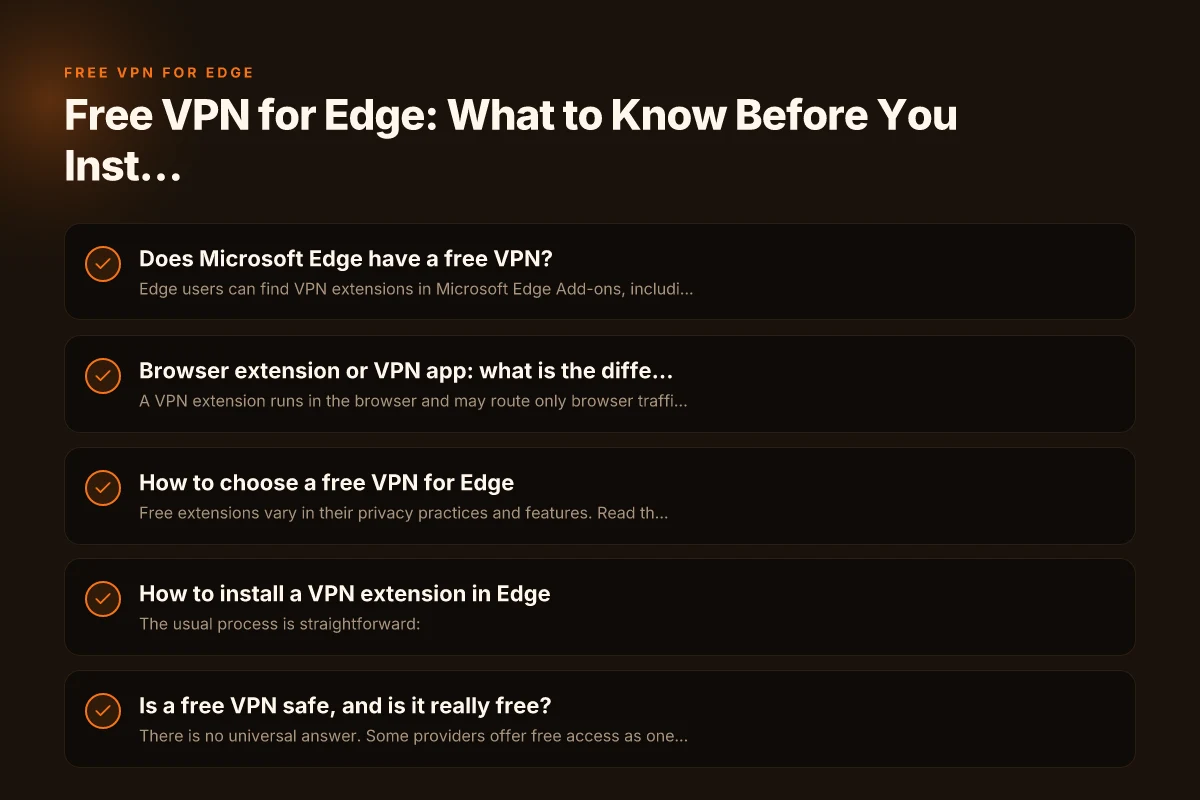
Does Microsoft Edge have a free VPN?
Edge users can find VPN extensions in Microsoft Edge Add-ons, including VeePN’s free VPN extension. Search results also show a Microsoft add-ons page for VPNs, with products advertising features such as IP masking, ad and tracker blocking, and a kill switch. These claims come from individual listings, so review the details of the specific extension rather than assuming every VPN includes every feature.
Some online discussions refer to a VPN-like service associated with Edge and Cloudflare. Community posts are not an official product specification, however. Check Edge’s current settings and Microsoft’s official information to confirm what is available in your version and region. Do not assume that a built-in feature, a browser extension, and a full VPN app work in the same way.
Browser extension or VPN app: what is the difference?
A VPN extension runs in the browser and may route only browser traffic through its service. A VPN app typically works at the device level, but the exact coverage depends on the app and its settings. This distinction matters if you use other applications while browsing, such as email, messaging, or streaming software.
| Option | Typical scope | What to check |
|---|---|---|
| Edge VPN extension | Traffic handled through the browser extension | Whether it covers all browser tabs and how it handles connections outside Edge |
| Device VPN app | Potentially traffic from multiple apps on the device | Which apps or connections are included, and whether protection can be paused |
| Edge privacy settings | Browser-level tracking and security controls | Which protections are enabled and what they do not cover |
A VPN can change the apparent IP address associated with covered traffic and encrypt that connection between your device and the VPN service. It does not automatically make you anonymous, prevent every form of tracking, or protect activity that does not pass through the VPN. How to Add or Change a VPN Connection in Windows 11
Check a free VPN extension before installing it
| What to check | Good sign | Warning sign | Why it matters |
|---|---|---|---|
| Developer | Identifiable provider | Unknown publisher | Helps assess trust |
| Privacy policy | Clear data practices | Missing or vague policy | Shows how data is handled |
| Permissions | Relevant to VPN features | Broad or unexplained access | Limits unnecessary access |
| Reviews | Recent, varied feedback | Repeated privacy complaints | Flags potential issues |
| Business model | Disclosed and understandable | Unclear how it earns money | Free service still has costs |
| Data limits | Clearly stated | Hidden restrictions | Avoids surprises |
| Security details | Specific protections explained | Unsupported claims | Helps judge protection |
| Availability | Listed in Edge Add-ons | Unverified download source | Reduces installation risk |
Compiled November 2026; check the provider's site for current details.
How to choose a free VPN for Edge
Free extensions vary in their privacy practices and features. Read the listing and provider’s policy before installation, and consider these checks:
- Provider and policy: Identify the company behind the extension and look for a clear explanation of what data it collects, retains, and shares.
- Limits: Confirm whether the free option has data, location, speed, or feature restrictions. Do not assume that “free” means unlimited.
- Permissions: Check why the extension requests access to browser data or settings. Grant only permissions you understand.
- Security features: Verify which protections are actually included. A listing that advertises a kill switch or tracker blocking may not provide those features on every plan.
- Support and updates: Look for recent updates and a way to contact the provider if the extension stops working or you have a privacy question.
- Independent credibility: Treat broad claims such as “no logs” as claims to verify, not proof on their own.
VeePN’s Edge page advertises a free add-on and describes it as having no ads, no logs, and unlimited data. Those are provider statements. Check the current terms and extension listing to confirm which features apply to the version you install. Edge VPN: What It Is, How It Works, and Which Option to Choose
How to install a VPN extension in Edge
The usual process is straightforward:
- Open the Microsoft Edge Add-ons store.
- Search for the VPN extension by name, or browse the VPN category.
- Review the publisher, permissions, description, and privacy information.
- Select the option to add the extension to Edge and confirm the requested permissions.
- Open the extension, follow its setup instructions, and check that it is connected before browsing.
After installation, use the extension’s controls to disconnect or change settings when needed. If you use a VPN app as well, avoid assuming that the extension and app are both active. Check each one separately.
Is a free VPN safe, and is it really free?
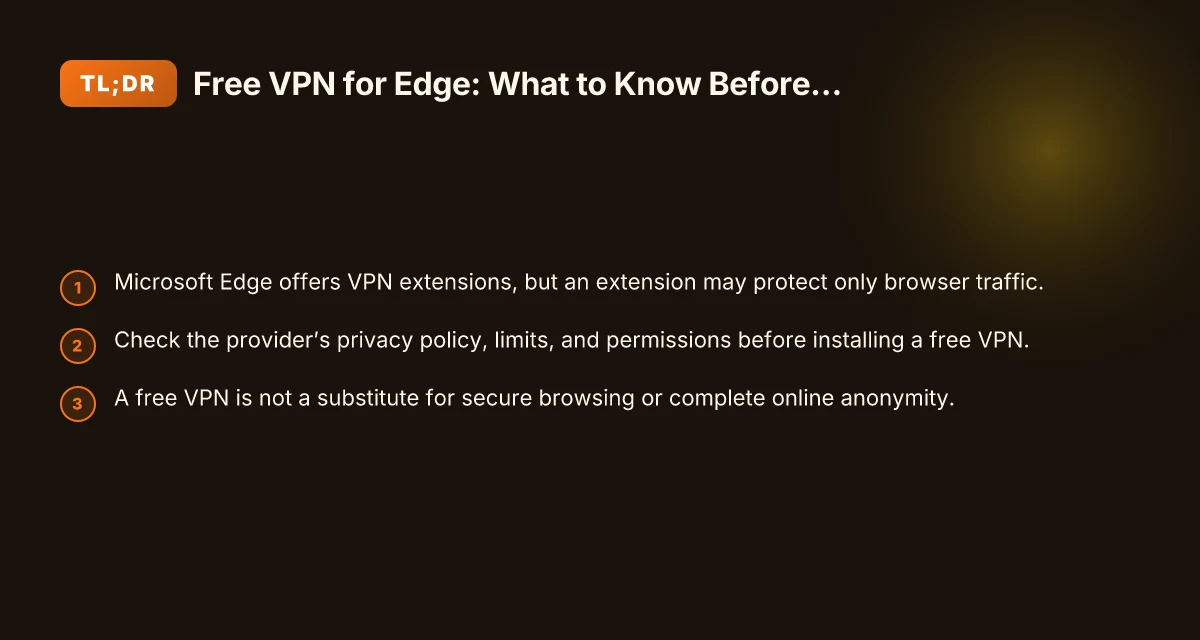
There is no universal answer. Some providers offer free access as one part of a larger service, while others may impose limits or use different terms. The word “free” does not tell you how a provider funds the service or what data it handles. Read the privacy policy and plan details, and avoid extensions that make unclear promises or request permissions unrelated to their stated purpose.
Also keep expectations realistic. A VPN does not stop websites from recognizing you through account sign-ins, cookies, or browser fingerprinting. It cannot make unsafe downloads safe, and it does not replace keeping Edge and your device up to date. For sensitive accounts, continue to use strong, unique passwords and multi-factor authentication. VPN Edge: What It Is and How to Choose a Safe Option
Choose the right option for your needs
| Need | Browser extension | VPN app | Free plan | What to verify |
|---|---|---|---|---|
| Protect browsing in Edge | Suitable | Suitable | Sometimes suitable | Coverage and limits |
| Protect other browsers | Usually not | Usually yes | Depends on provider | Supported browsers |
| Protect apps outside the browser | No | Usually yes | Depends on provider | Device-wide coverage |
| Avoid paying | Often available | Often available | May have restrictions | Data and server limits |
| Keep browsing data private | Depends on provider | Depends on provider | Depends on provider | Logging policy |
| Use on multiple devices | Usually limited | Depends on provider | Often restricted | Device allowance |
| Stream or access locations | May be limited | May be supported | Often restricted | Server access and terms |
| Install with less risk | Use Edge Add-ons | Use the provider’s official source | Check provider details | Publisher and permissions |
Compiled November 2026; check the provider's site for current details.
Recommendation
For basic browser privacy, choose a reputable Edge VPN extension only after reviewing its permissions, privacy policy, and free-plan limits. If you need coverage for traffic beyond Edge, compare device-level VPN apps instead. In either case, rely on clear, verifiable terms, not just the word “free”, and remember that a VPN is one privacy tool, not complete anonymity.