NordVPN windows(2026)
Learn how to install NordVPN on Windows, choose a server, adjust key settings, and troubleshoot common connection issues.
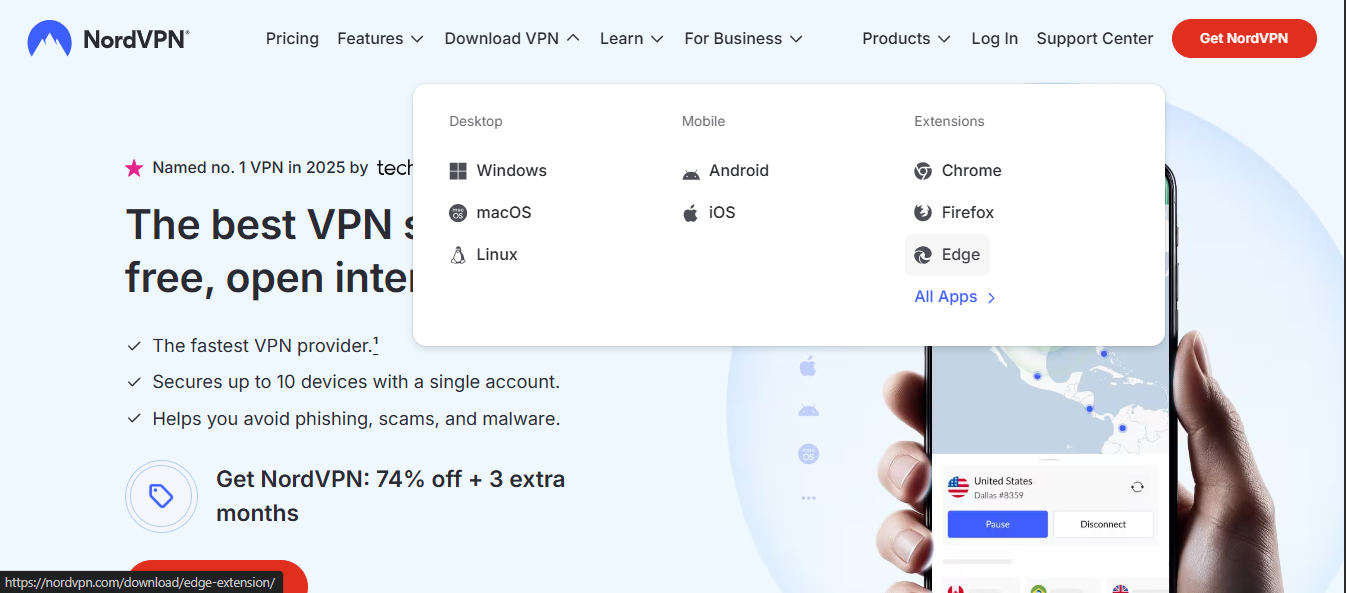
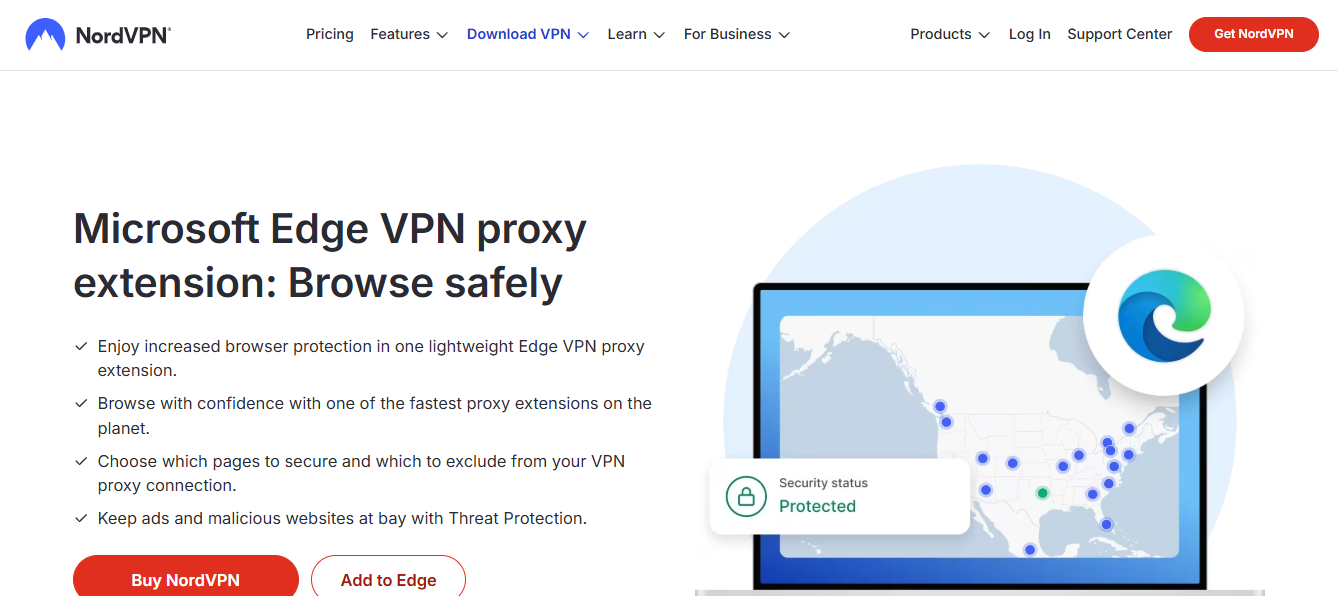
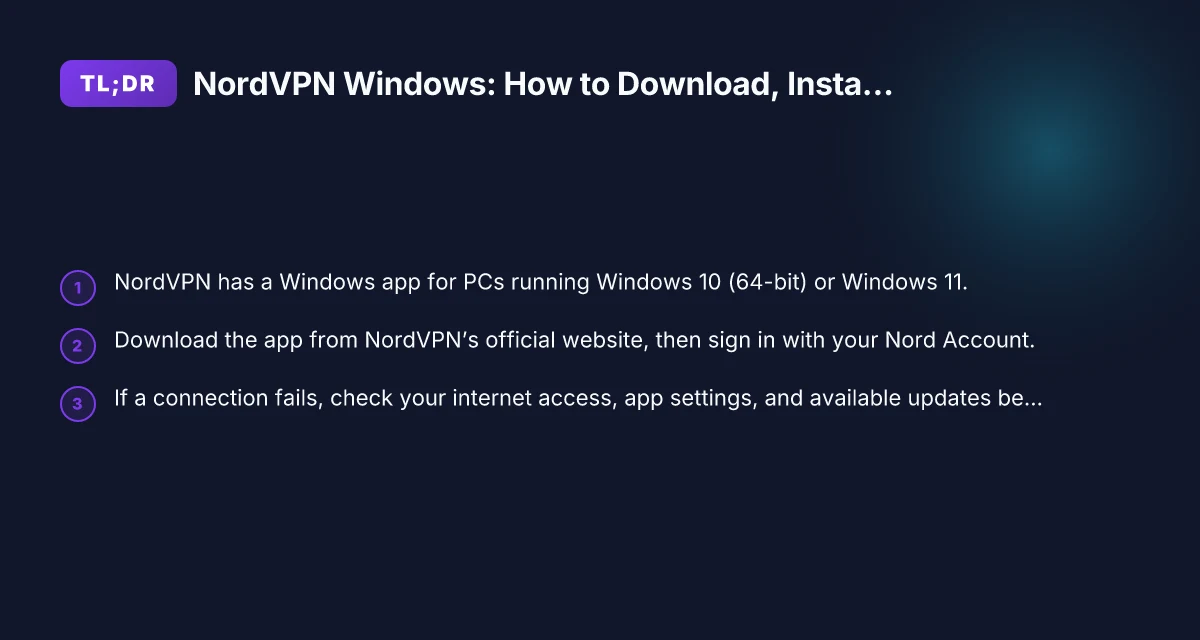
NordVPN for Windows is a desktop app that lets you connect to a VPN server from a Windows PC or laptop. To get started, you need a working internet connection and a PC running Windows 10 (64-bit) or Windows 11. Download the installer from NordVPN’s official website, install the app, and sign in with your Nord Account. Once connected, the app routes your internet traffic through the VPN.
NordVPN for Windows connection options
| Option | Best for | How you choose it | What to expect |
|---|---|---|---|
| Quick Connect | Getting protected quickly | Let the app choose | Connects to a recommended server |
| Country selection | Choosing a location | Pick a country on the map or list | Connects to a server in that country |
| City selection | Narrowing a location | Choose a city where available | Connects to a server in that city |
| Specialty servers | Specific connection needs | Select a specialty server category | Availability depends on the category and location |
| Recent connection | Reusing a previous choice | Select a recent location | Avoids searching again |
| Disconnect | Returning to your regular connection | Use the disconnect control | Ends the VPN connection |
Compiled November 2026; check the provider's site for current details.
| VPN | Obfuscation | From / month | Plan | Free plan | Refund | Alipay | UnionPay | Crypto | Website opens in China | Trustpilot | |
|---|---|---|---|---|---|---|---|---|---|---|---|
 NordVPN | Turn on manually Obfuscated Servers / NordWhisper | $3.49/mo | 27 months: $94.23 | No | 30 days | ? | ✗ | ✓ | ✓ | ✗ Blocked | 4.2/5 (51,628 reviews) |
 ZoogVPN | Turn on manually Shadow | $2.49/mo | 27 months: $59.99 | Yes | 7 days | ✓ | ✓ | ✓ | ✓ | Official site blocked; our special link opens (4.4 s) | 4.2/5 (195 reviews) |
 ExpressVPN | ✓ On by default all servers | $3.00/mo | 28 months: $84 | No | 30 days | ✗ | ✗ | ✓ | ✗ | ✗ Blocked | 4.4/5 (29,706 reviews) |
 Surfshark | ✓ On by default Camouflage, with OpenVPN | See site | See site | No | 30 days | ✗ | ✗ | ✗ | ✓ | ✗ Blocked | 4.3/5 (31,823 reviews) |
 Proton VPN | Turn on manually Stealth, free plan too | $2.99/mo | 12 months: $35.88 | Yes | 30 days | ✗ | ✗ | ✗ | ✓ | ✗ Blocked | 2.1/5 (1,040 reviews) |
 Astrill VPN | Turn on manually StealthVPN / OpenWeb | $12.50/mo | 24 months: $300 | No | See site | ✗ | ✗ | ✗ | ✓ | ✗ Blocked | 1.3/5 (110 reviews) |
 Private Internet Access | Turn on manually Shadowsocks, OpenVPN only | $2.03/mo | 40 months: $81.2 | No | 30 days | ✗ | ✗ | ✗ | ✗ | ✗ Blocked | 4.2/5 (11,033 reviews) |
 CyberGhost | Turn on manually selected servers | $2.19/mo | 28 months: $61.32 | No | 45 days | ✗ | ✗ | ✗ | ✓ | ✗ Blocked | 4.0/5 (24,178 reviews) |
 PureVPN | Turn on manually switch to OpenVPN | $1.69/mo | 60 months: $101.55 | No | 31 days | ? | ? | ✗ | ✓ | ✗ Blocked | 4.4/5 (17,994 reviews) |
 AdGuard VPN | ✓ On by default TrustTunnel | $2.99/mo | 24 months: $71.76 | Yes | 30 days | ✓ | ✗ | ✓ | ✓ | Official site blocked; our special link opens (3.7 s) | 4.3/5 (290 reviews) |
 Mullvad | Turn on manually QUIC / Shadowsocks / LWO | $5.61/mo | €5/mo | No | 14 days | ✗ | ✗ | ✗ | ✓ | ✗ Blocked | 3.2/5 (192 reviews) |
 Windscribe | Turn on manually Stealth / WStunnel | $5.75/mo | 12 months: $69 | Yes | See site | ✗ | ✗ | ✗ | ✓ | ✗ Blocked | 4.7/5 (13,355 reviews) |
 StrongVPN | Turn on manually Scramble, OpenVPN TCP | See site | See site | No | 30 days | ✓ | ✗ | ✗ | ✗ | ✗ Blocked | 4.4/5 (2,695 reviews) |
 LightXtreme 闪连 | Not listed | $7.08/mo | 12 months: $84.99 | Yes | 30 days | ✓ | ✓ | ✓ | ✓ | ✓ Yes (3.5 s) | No page |
Prices checked 2026-11-10 on each vendor's pricing page (cheapest long plan, USD). Check the vendor's checkout for the final price.
Obfuscation checked 2026-11-14 on each vendor's site and help center: "on by default" = nothing to set; "turn on manually" = switch protocol or mode in settings; "not listed" = the vendor describes no obfuscation.
Payment methods checked 2026-11-10 on each vendor's payment pages: all 14 take cards and PayPal; ✗ = not listed, ? = the vendor's own pages disagree.
China access: whether the official website opens from mainland China networks (tests the website only, not the VPN connection). Last checked 2026-11-18 01:02 Beijing time.
Trustpilot score and review count checked 2026-11-10.
What NordVPN for Windows does
A VPN can help protect traffic between your device and the VPN server, change the IP address websites see, and provide a more private connection when browsing or working online. NordVPN’s Windows app brings those controls into a single desktop interface.
After signing in, you can connect to a server and manage your VPN connection from the app. The available features and settings may vary, so check the current app interface for the options included with your account and software version.
A VPN does not make you completely anonymous or protect you from every online risk. You still need to use secure passwords, keep Windows and your apps updated, and be cautious with links and downloads.
How to download and install NordVPN on Windows
Use NordVPN’s official Windows download page to get the app. This helps you avoid installers from unfamiliar third-party sites. microsoft edge secure network VPN reviews(2026)
- Confirm that your PC runs Windows 10 (64-bit) or Windows 11.
- Make sure you have an active internet connection.
- Visit NordVPN’s official Windows download page and download the installer.
- Open the downloaded file and follow the installation instructions.
- Launch the app and sign in with your Nord Account.
- Choose a server or use the app’s quick-connect option, if available.
If you don’t have a Nord Account, you’ll need to create one before using the app. Follow the account and subscription instructions on NordVPN’s website. Current plans and prices can change, so check there for up-to-date details.
NordVPN Windows setup and everyday-use choices
| Choice | When to use it | What you do | Consideration |
|---|---|---|---|
| Download from NordVPN | Installing the official app | Get the Windows installer from NordVPN | Avoid unofficial download sources |
| Sign in | First use or after signing out | Enter your NordVPN account details | An account is required to use the service |
| Quick Connect | Routine browsing | Connect to a recommended server | Requires little location selection |
| Choose a country | Need a particular country | Select the country in the app | The available locations may vary |
| Enable auto-connect | Want the VPN to connect automatically | Configure it in settings | Check the selected network and server preferences |
| Use the kill switch | Want protection if the VPN connection drops | Enable the feature in settings | Review how it affects internet access |
| Adjust app settings | Change everyday behavior | Open the settings menu | Options depend on the app version |
Compiled November 2026; check the provider's site for current details.
Connecting and choosing a server
For everyday use, a nearby server is often a sensible starting point. The app can help you connect without manually configuring a server, while selecting one yourself gives you more control over the location. nord VPN in china(2026)
| Option | When it may be useful | What to consider |
|---|---|---|
| Quick connect | You want a simple starting connection | The app selects a server for you |
| Choose a server | You need to select a location | A distant server may affect connection speed |
| Disconnect | You need to return to your regular connection | Your internet traffic will no longer use the VPN |
Server choice can affect performance. If a page or service loads slowly, try reconnecting or choosing another available server. Some websites and streaming services may restrict VPN connections, so access is not guaranteed simply because you connect to a particular location.
Settings and everyday use
You can open the Windows app to connect or disconnect and review its settings. Before changing options, consider what you want the VPN to do: maintain a VPN connection consistently, connect only for certain apps, or adapt to your particular network needs.
Useful habits include:
- Check that the app shows an active connection before doing tasks that require the VPN.
- Review settings after an app update, since the interface or available options may change.
- Disconnect only when you intend to stop using the VPN.
- Keep the NordVPN app and Windows up to date.
- If you use a feature such as split tunneling, read its in-app explanation so you understand which traffic uses the VPN.
A VPN protects only the traffic covered by its connection and settings. It does not replace device security, and it cannot prevent every account, browser, or website privacy issue. does microsoft edge have VPN(2026)
Troubleshooting NordVPN on Windows
If NordVPN won’t connect, or stops working on Windows 11, start with basic checks:
- Confirm that the PC has internet access with the VPN disconnected.
- Close and reopen the NordVPN app, then try connecting again.
- Try a different server.
- Check for updates to the app and Windows.
- Review any VPN-related settings that may affect how your traffic is routed.
- Restart the PC if the problem continues.
If you can connect but a website or streaming service blocks access, the service may be limiting VPN traffic. Trying another server may help, but results can vary. For persistent errors, consult NordVPN’s official Windows support instructions or contact its support team. Avoid downloading replacement files from unofficial sites.
Troubleshooting NordVPN on Windows
| Issue | First check | Next step | If it continues |
|---|---|---|---|
| Installer will not open | Confirm you downloaded the Windows installer | Download it again from NordVPN | Check Windows security prompts |
| Cannot sign in | Recheck account details and internet access | Try signing in again | Use NordVPN account support |
| Connection will not start | Check that your internet works without the VPN | Choose another server or country | Restart the app and try again |
| VPN is slow | Try a nearby server | Test another available server | Check your regular connection |
| Websites will not load | Disconnect and test the connection | Reconnect to a different server | Review app settings |
| Connection keeps dropping | Check your internet stability | Try another server | Review auto-connect and kill switch settings |
Compiled November 2026; check the provider's site for current details. enable VPN in edge(2026)
Recommendation
For a compatible Windows PC, NordVPN is straightforward to try: download the app from NordVPN’s official website, sign in, and connect. Start with the default connection, then adjust server selection or settings only if you have a specific need. If installation or connection problems persist, use NordVPN’s official support resources for steps tailored to your Windows setup.