Forticlientvpninstaller.exe: Download, Install, and Use It Safely

Learn what forticlientvpninstaller.exe is, where to get it safely, and how to install and troubleshoot FortiClient VPN.
forticlientvpninstaller.exe is the Windows installer file used to install FortiClient VPN. For the safest download, use Fortinet’s official product downloads page or a software link provided by your organization. After installation, you will usually need VPN connection details from your employer, school, or network administrator. The installer alone does not provide access to a VPN.
Compare FortiClient VPN download sources
| Source | Trust level | What to check | Main risk | Recommendation |
|---|---|---|---|---|
| Fortinet official website | Highest | Confirm the domain is Fortinet’s | Low | Preferred source |
| Organization’s IT portal | High, if verified | Confirm it is your employer’s or school’s portal | Outdated package | Use when instructed by IT |
| Link from your IT team | Depends on sender | Verify the sender and destination | Impersonation | Confirm if unsure |
| Search-engine result | Uncertain | Check the domain before downloading | Look-alike sites | Avoid unverified results |
| Third-party download site | Low | Check whether Fortinet endorses it | Modified or bundled installer | Avoid |
| File-sharing link | Very low | Verify the file’s origin independently | Tampering or malware | Do not use |
| Email attachment | Uncertain | Confirm with the sender through another channel | Spoofed or altered file | Do not install without verification |
Compiled November 2026; check the provider's site for current details.
| VPN | Obfuscation | From / month | Plan | Free plan | Refund | Alipay | UnionPay | Crypto | Website opens in China | Trustpilot | |
|---|---|---|---|---|---|---|---|---|---|---|---|
 ZoogVPN | Turn on manually Shadow | $2.49/mo | 27 months: $59.99 | Yes | 7 days | ✓ | ✓ | ✓ | ✓ | Official site blocked; our special link opens (4.4 s) | 4.2/5 (195 reviews) |
 NordVPN | Turn on manually Obfuscated Servers / NordWhisper | $3.49/mo | 27 months: $94.23 | No | 30 days | ? | ✗ | ✓ | ✓ | ✗ Blocked | 4.2/5 (51,628 reviews) |
 ExpressVPN | ✓ On by default all servers | $3.00/mo | 28 months: $84 | No | 30 days | ✗ | ✗ | ✓ | ✗ | ✗ Blocked | 4.4/5 (29,706 reviews) |
 Surfshark | ✓ On by default Camouflage, with OpenVPN | See site | See site | No | 30 days | ✗ | ✗ | ✗ | ✓ | ✗ Blocked | 4.3/5 (31,823 reviews) |
 Proton VPN | Turn on manually Stealth, free plan too | $2.99/mo | 12 months: $35.88 | Yes | 30 days | ✗ | ✗ | ✗ | ✓ | ✗ Blocked | 2.1/5 (1,040 reviews) |
 Astrill VPN | Turn on manually StealthVPN / OpenWeb | $12.50/mo | 24 months: $300 | No | See site | ✗ | ✗ | ✗ | ✓ | ✗ Blocked | 1.3/5 (110 reviews) |
 Private Internet Access | Turn on manually Shadowsocks, OpenVPN only | $2.03/mo | 40 months: $81.2 | No | 30 days | ✗ | ✗ | ✗ | ✗ | ✗ Blocked | 4.2/5 (11,033 reviews) |
 CyberGhost | Turn on manually selected servers | $2.19/mo | 28 months: $61.32 | No | 45 days | ✗ | ✗ | ✗ | ✓ | ✗ Blocked | 4.0/5 (24,178 reviews) |
 PureVPN | Turn on manually switch to OpenVPN | $1.69/mo | 60 months: $101.55 | No | 31 days | ? | ? | ✗ | ✓ | ✗ Blocked | 4.4/5 (17,994 reviews) |
 AdGuard VPN | ✓ On by default TrustTunnel | $2.99/mo | 24 months: $71.76 | Yes | 30 days | ✓ | ✗ | ✓ | ✓ | Official site blocked; our special link opens (3.7 s) | 4.3/5 (290 reviews) |
 Mullvad | Turn on manually QUIC / Shadowsocks / LWO | $5.61/mo | €5/mo | No | 14 days | ✗ | ✗ | ✗ | ✓ | ✗ Blocked | 3.2/5 (192 reviews) |
 Windscribe | Turn on manually Stealth / WStunnel | $5.75/mo | 12 months: $69 | Yes | See site | ✗ | ✗ | ✗ | ✓ | ✗ Blocked | 4.7/5 (13,355 reviews) |
 StrongVPN | Turn on manually Scramble, OpenVPN TCP | See site | See site | No | 30 days | ✓ | ✗ | ✗ | ✗ | ✗ Blocked | 4.4/5 (2,695 reviews) |
 LightXtreme 闪连 | Not listed | $7.08/mo | 12 months: $84.99 | Yes | 30 days | ✓ | ✓ | ✓ | ✓ | ✓ Yes (3.5 s) | No page |
Prices checked 2026-11-10 on each vendor's pricing page (cheapest long plan, USD). Check the vendor's checkout for the final price.
Obfuscation checked 2026-11-14 on each vendor's site and help center: "on by default" = nothing to set; "turn on manually" = switch protocol or mode in settings; "not listed" = the vendor describes no obfuscation.
Payment methods checked 2026-11-10 on each vendor's payment pages: all 14 take cards and PayPal; ✗ = not listed, ? = the vendor's own pages disagree.
China access: whether the official website opens from mainland China networks (tests the website only, not the VPN connection). Last checked 2026-11-18 01:02 Beijing time.
Trustpilot score and review count checked 2026-11-10.
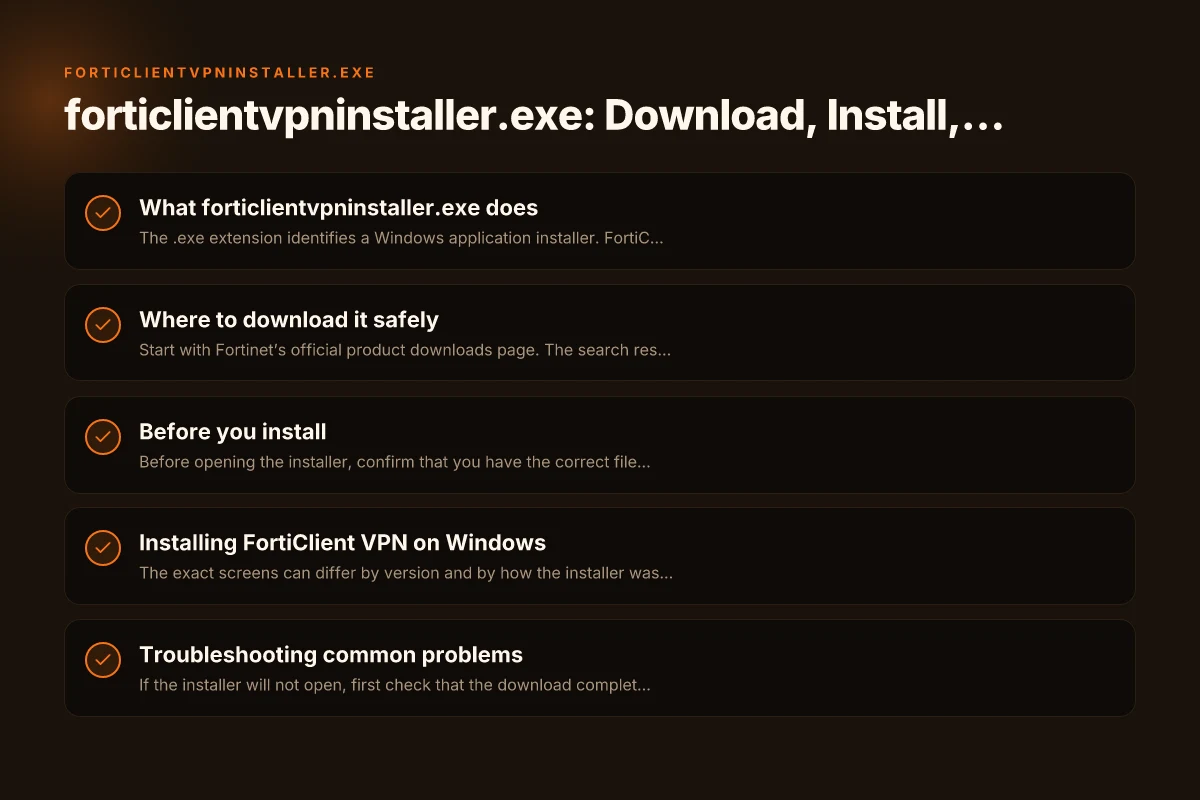
What forticlientvpninstaller.exe does
The .exe extension identifies a Windows application installer. FortiClient VPN is Fortinet software that lets a device connect to a configured virtual private network. Once installed, it can use the connection details supplied by the organization that operates the VPN.
FortiClient’s features can vary by product version and configuration. Some FortiClient offerings include broader security capabilities, while a VPN-only installation is intended for VPN access. Check the download page and your organization’s instructions to confirm which option you need.
The executable installs the application. It is not a VPN server, subscription, or set of login credentials. You may still need a VPN address, authentication details, or a configuration file from your administrator.
Where to download it safely
Start with Fortinet’s official product downloads page. The search results also point to university IT guidance that directs users to Fortinet’s VPN downloads, and Fortinet’s support documentation describes downloading the installer through its support resources. VPN to change location free(2026)
If your workplace or school provides a managed installer, use that link instead. Administrators may configure deployment packages for their environment, so a general installer may not match the organization’s requirements.
Avoid downloading an executable from an unfamiliar file-sharing site, video description, or third-party download page. A file name alone does not prove that a download is genuine. If you are unsure whether a link is trusted, ask your IT department before running the file.
Before you install
Before opening the installer, confirm that you have the correct file for your Windows device and that you are allowed to install software on it. If the device is managed, your organization may require installation through its software portal or with administrator assistance.
Use this quick checklist: how can i tell if a VPN is blocking my internet(2026)
- Get the installer from Fortinet or a trusted organization-provided source.
- Confirm that the download is intended for Windows and matches your device.
- Save the file somewhere you can find it, such as your Downloads folder.
- Have your organization’s VPN setup instructions available.
- Close other applications if your IT instructions recommend doing so.
Do not assume that a VPN will connect automatically after installation. You may need to create a connection profile or enter settings provided by your organization.
Check readiness before installing FortiClient VPN
| Check | Ready when | If not ready | Why it matters |
|---|---|---|---|
| Windows compatibility | Your Windows version is supported | Check Fortinet’s current requirements | Avoid install or launch issues |
| Administrator access | You can approve installation prompts | Contact your device administrator | Setup may need elevated permissions |
| Installer source | The file came from Fortinet or trusted IT | Download from a verified source | Reduce tampering risk |
| VPN details | You have the server address and login instructions | Ask your IT team or VPN provider | The app needs connection settings |
| Existing VPN software | Conflicts have been checked | Follow IT guidance before removing anything | Prevent network conflicts |
| Security software | You know how to review any alerts | Ask IT before allowing or disabling protection | Avoid unsafe workarounds |
| Network connection | Internet access is available | Reconnect before setup | Needed to download or connect |
| Device policy | Installation is allowed on the device | Request approval from IT | Managed devices may restrict installs |
Compiled November 2026; check the provider's site for current details.
Installing FortiClient VPN on Windows
The exact screens can differ by version and by how the installer was prepared. In general, installation follows the steps below: NordVPN windows(2026)
- Locate the downloaded
forticlientvpninstaller.exefile. - Open it and approve the Windows prompt if you trust the source.
- Follow the installer’s on-screen instructions.
- Restart your computer if the installer or your organization’s guide requests it.
- Open FortiClient and enter the VPN settings supplied by your administrator.
- Connect and complete any required authentication.
If you received a customized installer from your organization, follow its deployment instructions instead of changing settings on your own. Fortinet’s CLI installation documentation notes that an .exe installer can include custom modifications configured when a deployment package is created. This is one reason a company-provided installer may differ from a public download.
| Installer source | When it is appropriate | What to check |
|---|---|---|
| Fortinet product downloads page | You need the official public download | Select the VPN product and the version for your device |
| Organization software portal or IT link | Your workplace or school manages VPN access | Follow its configuration and installation instructions |
| Unfamiliar third-party site | Generally not recommended | Verify with Fortinet or your IT team before downloading |
Troubleshooting common problems
If the installer will not open, first check that the download completed and came from a trusted source. If Windows blocks the file, do not bypass the warning unless you have verified the source and your organization’s instructions say to proceed. On a managed computer, you may need IT support or administrator approval.
If installation completes but the VPN does not connect, check that the connection settings are correct and that you are using the credentials and authentication method provided by your organization. A wrong server address, outdated profile, or missing approval can prevent a connection even when the application is installed correctly.
For further help: microsoft edge secure network VPN reviews(2026)
- Ask your organization’s IT team whether it requires a specific installer or configuration.
- Check Fortinet’s support resources for download and installation guidance.
- If an old FortiClient installation is interfering, do not remove files or run cleanup utilities from an unverified source. Ask your administrator which removal method is approved.
Troubleshoot common FortiClient VPN problems
| Problem | First check | Safe next step | Avoid |
|---|---|---|---|
| Installer will not open | Confirm the download completed | Download again from a trusted source | Unknown mirror sites |
| Installation is blocked | Check permissions and device policy | Ask the administrator or IT | Bypassing security controls |
| VPN server cannot be reached | Check the server address and internet access | Confirm the address with your provider | Guessing server settings |
| Login fails | Recheck username, password, and sign-in method | Contact your IT team or provider | Sharing credentials |
| Connection repeatedly drops | Test the network and note when it happens | Report details to IT or your provider | Disabling security software |
| VPN connects but apps fail | Check whether the apps require VPN access | Ask IT about routing or access rules | Changing unknown network settings |
| Security warning appears | Verify the installer and warning details | Stop and ask IT if uncertain | Ignoring the warning |
| Problem persists after reinstalling | Record the error message and version | Follow official support guidance | Reinstalling from unverified sites |
Compiled November 2026; check the provider's site for current details.
Recommendation
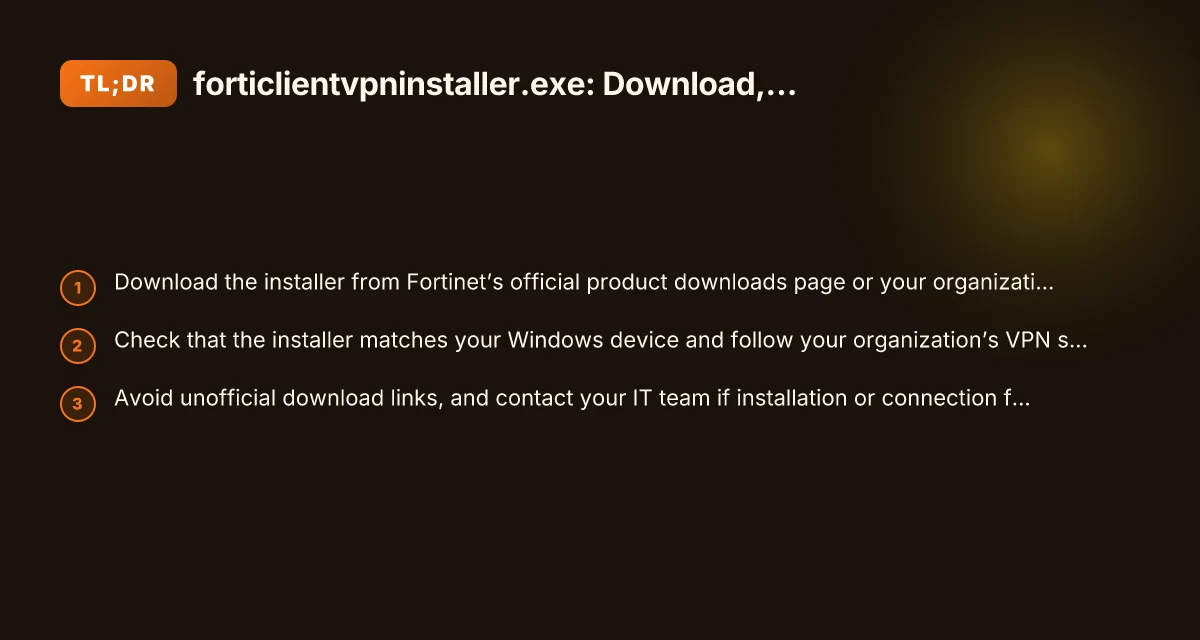
Download forticlientvpninstaller.exe only from Fortinet’s official downloads or a trusted organization-provided portal. Use the installation instructions and VPN settings supplied by your network administrator, and contact IT support rather than relying on unofficial downloads or guesswork if anything goes wrong.